

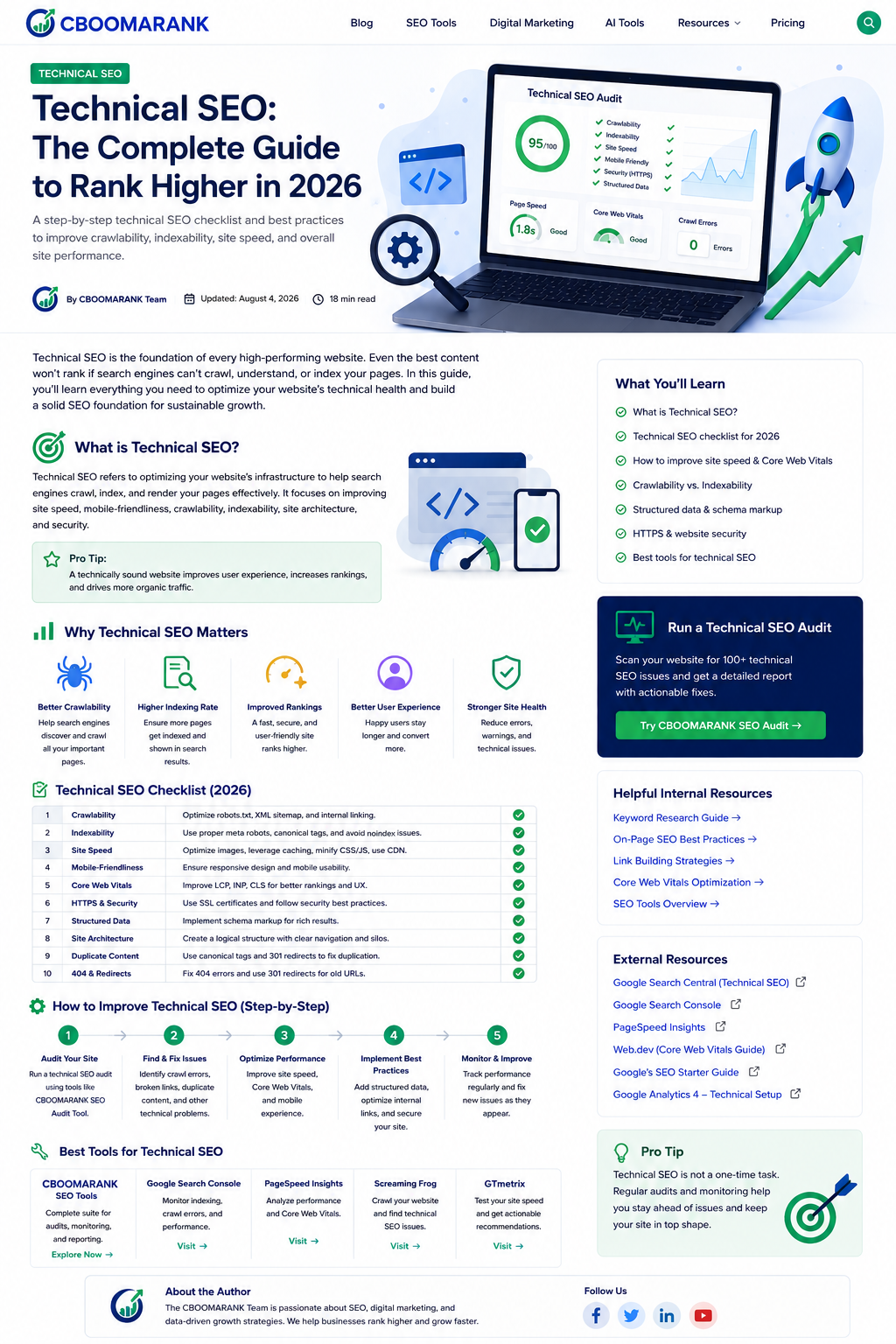
Technical SEO: The Foundation of Search Visibility
Technical SEO makes it possible for search engines to discover, render, understand, and index the right pages on your website. Excellent content cannot perform consistently when important URLs are blocked, duplicated, slow, poorly linked, or dependent on scripts that search engines cannot process reliably.
In 2026, the fundamentals still matter: return accessible HTML, use crawlable links, keep canonical signals consistent, and provide a fast, secure mobile experience. What has changed is the complexity of modern websites. JavaScript frameworks, faceted navigation, international versions, structured data, AI-generated content, and frequent platform updates create more ways for technical issues to scale.
This guide provides a practical technical SEO framework for CBOOMARANK readers. It focuses on the fixes that improve discoverability, user experience, and business performance rather than chasing a perfect audit score.
What Is Technical SEO?
Technical SEO is the process of improving a website’s infrastructure so search engines can crawl, render, index, and interpret its pages efficiently. It includes crawl management, indexation, site architecture, URL consistency, performance, mobile usability, security, structured data, JavaScript rendering, and monitoring.
Technical SEO Priorities for 2026
- Make valuable pages discoverable through normal HTML links.
- Keep robots.txt, meta robots, canonicals, redirects, and XML sitemaps aligned.
- Optimize real-user performance using LCP, INP, and CLS field data.
- Ensure important content and links remain available after JavaScript rendering.
- Use structured data that accurately represents visible content.
- Protect migrations, redesigns, and plugin updates with testing and monitoring.
- Measure index coverage and search performance in Google Search Console.
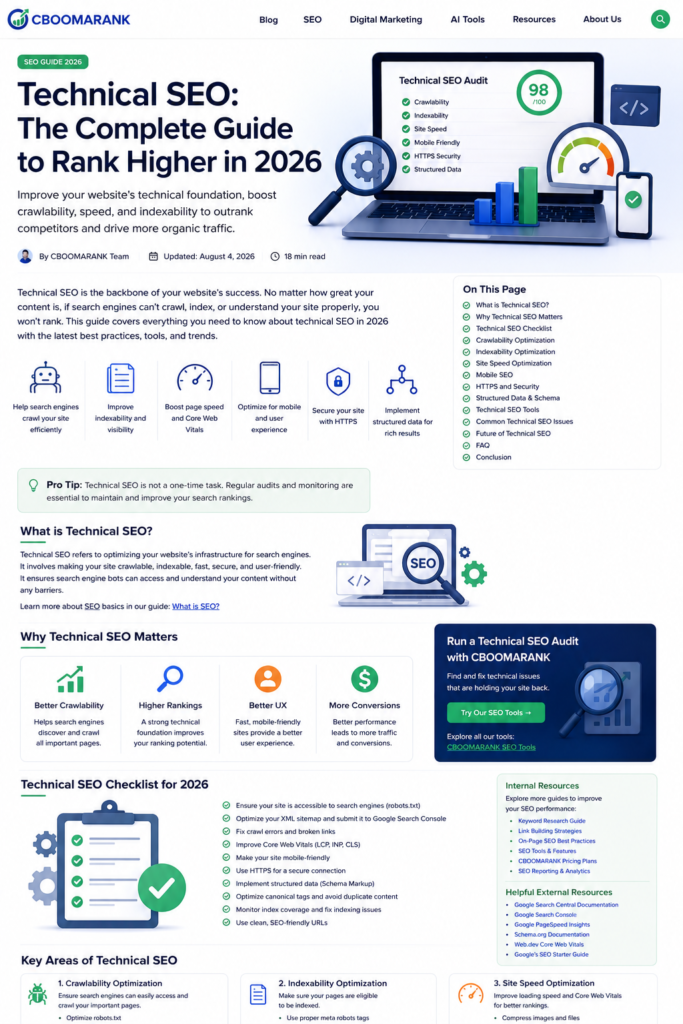
1. Crawlability: Help Search Engines Find Important Pages
Search engines discover URLs through links, sitemaps, and previously known pages. Important content should be reachable through logical navigation and contextual internal links. Avoid relying only on site-search forms, JavaScript buttons, or orphan URLs.
- Use standard <a href> links for navigation and contextual links.
- Keep robots.txt focused on crawl control; do not use it as a substitute for noindex.
- Fix server errors, redirect loops, and long redirect chains.
- Use XML sitemaps for canonical, indexable URLs only.
- Review Crawl Stats and server logs on large or frequently changing sites.
2. Indexability: Control Which Pages Enter Search
A crawlable page is not automatically indexable. A noindex directive, conflicting canonical, authentication requirement, soft 404, duplicate content, or poor quality can prevent inclusion. Build a clear indexation policy so search engines focus on useful, distinct pages.
- Index pages that satisfy a real user need.
- Noindex or consolidate thin filters, internal search results, test pages, and duplicate variants where appropriate.
- Confirm noindex pages are crawlable until the directive is seen.
- Use URL Inspection to compare submitted, crawled, and Google-selected canonical URLs.
3. Canonicals, Redirects, and Duplicate URLs
Canonicalization consolidates signals when identical or very similar content is available under multiple URLs. Use self-referencing canonicals on indexable pages, redirect retired URLs to the closest relevant replacement, and make internal links and sitemaps point to preferred URLs.
- Avoid conflicting canonical signals.
- Do not canonicalize unrelated pages to a category or homepage.
- Use permanent redirects for genuine URL changes.
- Audit HTTP/HTTPS, www/non-www, trailing slash, uppercase, and parameter variants.
4. Site Architecture and Internal Linking
A clear hierarchy helps users and crawlers understand page relationships. Important pages should not be buried many clicks deep. Topic hubs, category pages, breadcrumbs, and contextual internal links distribute discovery and relevance signals throughout the site.
Related CBOOMARANK resources: keyword research tools, link-building tools, and SEO best practices
5. Core Web Vitals and Performance
Core Web Vitals measure loading experience, responsiveness, and visual stability. The current metrics are Largest Contentful Paint (LCP), Interaction to Next Paint (INP), and Cumulative Layout Shift (CLS). Use field data when available because laboratory tests cannot reproduce every real device and network condition.
- Improve server response time and cache full-page output where appropriate.
- Serve correctly sized WebP or AVIF images and preload the true LCP resource carefully.
- Reduce unnecessary JavaScript and break up long main-thread tasks.
- Reserve dimensions for images, ads, and embeds to prevent layout shifts.
- Test important templates, not just the homepage.
6. Mobile-First Indexing and Responsive Design
Google primarily uses the mobile version of content for indexing. Mobile pages should contain the same primary content, headings, structured data, image alt text, and meaningful links as desktop pages. Avoid hiding essential content behind interactions that fail on small screens.
7. JavaScript SEO and Rendering
JavaScript can improve interfaces, but it can also delay or hide content and links. Prefer server-rendered or statically generated critical content when practical. Test rendered HTML, ensure links use href attributes, provide meaningful status codes, and avoid fragment-only routing for indexable pages.
- Do not require clicks or scrolling to load essential indexable content.
- Make title, meta description, canonical, and robots directives consistent after rendering.
- Test hydration errors and blocked JavaScript resources.
- Use progressive enhancement for critical navigation and content.
8. Structured Data and Search Appearance
Structured data helps search engines understand entities and page types. Use supported schema types that match visible content, such as Organization, WebSite, BreadcrumbList, Article, Product, LocalBusiness, or VideoObject. Validate markup and monitor enhancement reports, but remember that valid markup does not guarantee a rich result.
9. HTTP Status Codes, Security, and URL Hygiene
- Return 200 only for real, useful pages.
- Use 301 or 308 for permanent moves and 302 or 307 for genuine temporary redirects.
- Return 404 or 410 for removed content without a relevant replacement.
- Serve the entire site over HTTPS and eliminate mixed content.
- Use concise, descriptive URLs and avoid changing established URLs without a business reason.
10. XML Sitemaps and Robots.txt
XML sitemaps are discovery and monitoring tools, not a replacement for internal linking. Include canonical, indexable URLs and accurate lastmod values when content materially changes. Keep robots.txt accessible at the root and test changes carefully before deployment.
11. Ecommerce, Faceted Navigation, and Pagination
Large ecommerce sites can create millions of parameter combinations. Decide which filters deserve indexable landing pages and prevent low-value combinations from creating crawl traps. Use stable links for paginated content and ensure every product can be reached through crawlable navigation.
12. International and Multilingual Technical SEO
Use distinct URLs for each language or region, reciprocal hreflang annotations, and a correct x-default where useful. Do not redirect visitors automatically based only on presumed language or location. Keep canonicals within each language version unless the pages are true duplicates.
13. Site Migrations and Redesigns
- Crawl and benchmark the old site before launch.
- Map old URLs to the closest new equivalents.
- Preserve high-value content, metadata, structured data, and internal links.
- Test redirects, canonicals, robots directives, and sitemaps in staging.
- Monitor indexing, rankings, traffic, and server errors immediately after launch.
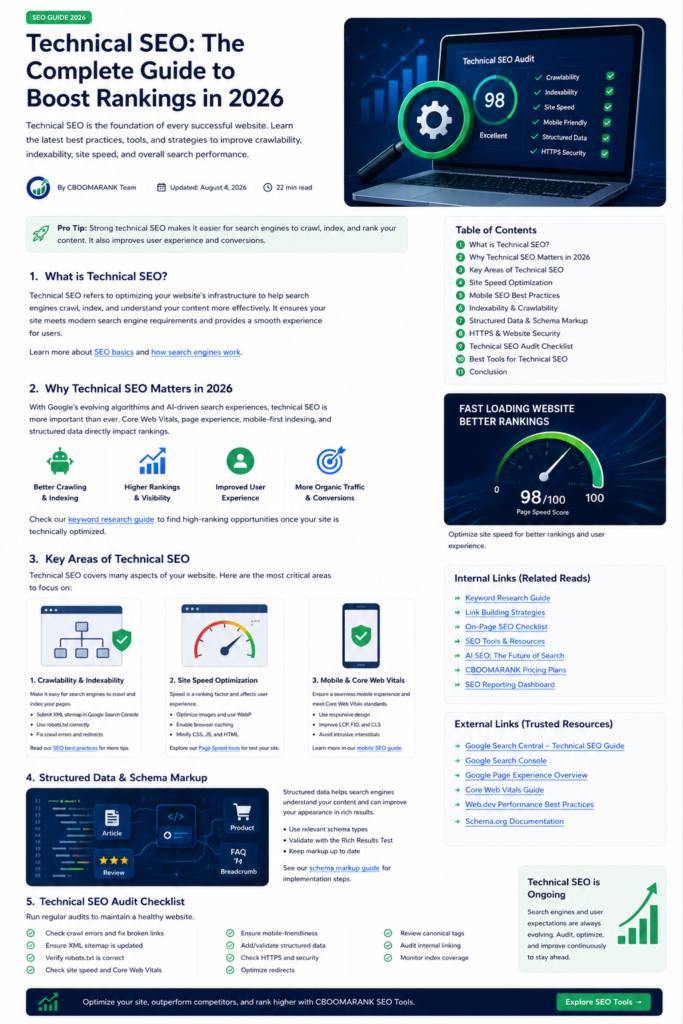
Technical SEO Audit Checklist
- Confirm key templates return correct status codes.
- Review robots.txt and meta robots directives.
- Submit clean XML sitemaps.
- Inspect canonical consistency.
- Find orphan pages and broken internal links.
- Check redirect chains and loops.
- Review Page Indexing and Crawl Stats reports.
- Test LCP, INP, and CLS on high-value templates.
- Compare mobile and desktop content.
- Validate structured data.
- Test rendered JavaScript content and links.
- Check HTTPS, mixed content, and security headers.
- Review hreflang where applicable.
- Audit parameter, faceted, and paginated URLs.
- Monitor changes after releases and plugin updates.
Recommended Technical SEO Tools
| Tool | Best for | Use it to |
| Google Search Console | Google indexing and performance | Inspect URLs, indexing, sitemaps, Core Web Vitals and search performance. |
| PageSpeed Insights | Performance diagnostics | Review field and lab data for Core Web Vitals. |
| Screaming Frog SEO Spider | Crawling and audits | Find status codes, canonicals, directives, links, metadata and structured data. |
| Chrome DevTools | Rendering and performance | Inspect network requests, JavaScript, layout shifts and rendered HTML. |
| Rich Results Test | Structured data | Validate eligible structured data and preview detected items. |
| CBOOMARANK | SEO reporting and opportunity discovery | Connect technical findings with keyword, URL and growth analysis. |
Authoritative External References
- Google crawling and indexing documentation
- Google technical requirements
- Google canonicalization guidance
- Google Core Web Vitals guidance
- web.dev Core Web Vitals
- Google JavaScript SEO basics
Frequently Asked Questions
Is technical SEO still important in 2026?
Yes. Search engines still need accessible pages, crawlable links, consistent canonical signals, and content that can be rendered and indexed.
What should I fix first?
Prioritize issues affecting important pages or large URL groups: accidental blocking, noindex errors, broken canonicals, server errors, migration problems, and severe performance failures.
Does passing Core Web Vitals guarantee higher rankings?
No. Core Web Vitals support page experience, but relevance, usefulness, authority, and many other signals also matter.
Do I need an llms.txt file for Google AI features?
Google has not required a special AI-search file. Make important content crawlable, indexable, useful, and supported by standard SEO practices.
How often should I run a technical audit?
Monitor critical reports continuously and conduct a structured audit quarterly, plus before and after migrations, redesigns, plugin changes, or major releases.
Conclusion
Technical SEO is an ongoing operating discipline. The most valuable work removes barriers from important pages, protects user experience, and makes changes measurable. Start with crawlability and indexability, then improve architecture, performance, rendering, structured data, and monitoring. A technically reliable site gives every useful article, service page, and product a better chance to earn visibility and conversions.
