

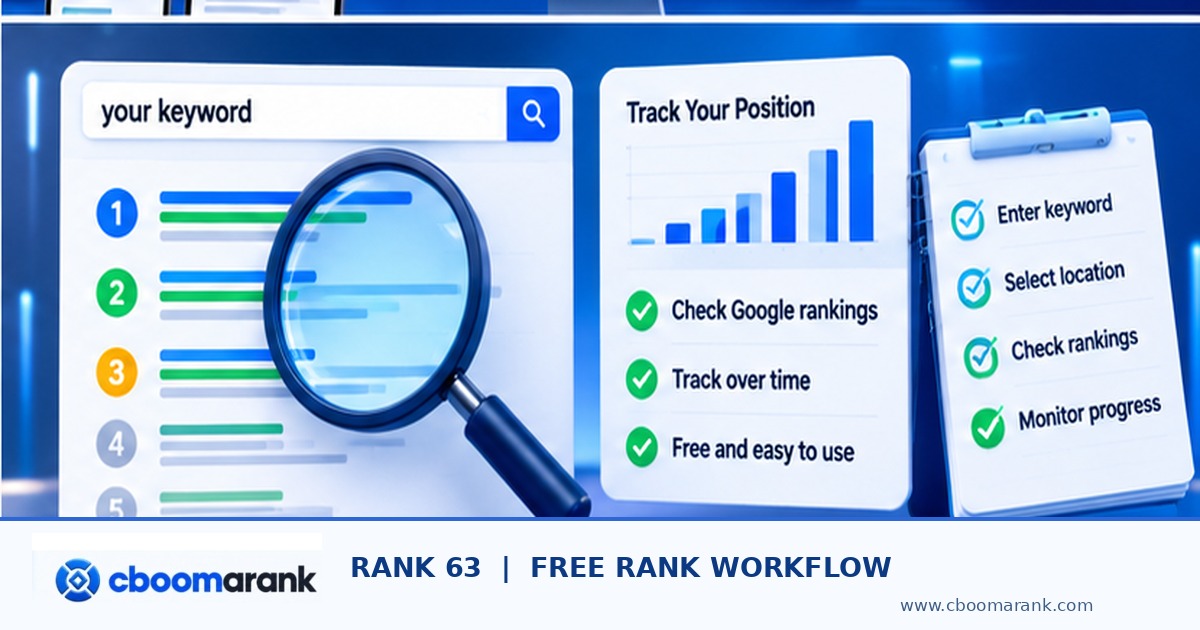
A free rank checker is useful when you have a small site, a limited keyword list, or no budget for subscriptions. The challenge is keeping free observations comparable. Search Console gives verified website owners first-party performance data, while manual searches and limited free checker services can provide snapshots with important restrictions. A free workflow works best when you record context and avoid assuming one screenshot represents every searcher.
Key question: Use free first-party reports and limited SERP checks without confusing a sample position with overall visibility. This guide concentrates on free-first practical tracking for verified site owners, distinct from tool buying and measurement theory. The steps below are structured so website owners, agencies and marketers can reproduce the method without claiming access to private competitor data.
Use the CBOOMARANK six-topic research workbook to document observations, locations, keywords and decisions. For broader website research, visit CBOOMARANK or review CBOOMARANK plans.
free rank checker: Quick Answer and Scope
A free rank checker is useful when you have a small site, a limited keyword list, or no budget for subscriptions. The challenge is keeping free observations comparable. Search Console gives verified website owners first-party performance data, while manual searches and limited free checker services can provide snapshots with important restrictions. A free workflow works best when you record context and avoid assuming one screenshot represents every searcher.
How to Use This Free ranking workflow in Eight Steps
| Stage | Action | Evidence to keep |
|---|---|---|
| 1 | Verify your site in Google Search Console | Add the relevant domain or URL-prefix property and complete the required ownership verification. |
| 2 | Collect the keywords that actually matter | Start with five to twenty queries tied to products, services or editorial goals. |
| 3 | Use the free Performance report correctly | Open Performance → Search results and turn on average position, clicks, impressions and CTR. |
| 4 | Collect a small manual SERP sample | For a few priority terms, record the visible organic result under documented device, location and browser condition |
| 5 | Evaluate limited free online checkers | Check whether a service discloses the target country, device, freshness, query limits and which SERP features it co |
| 6 | Record changes in a simple weekly log | Use a spreadsheet with date, query, country, device, target URL, observed result, Search Console average position, |
| 7 | Identify improvement opportunities from free signals | A page with strong impressions but weak CTR may need a clearer title or more relevant promise. |
| 8 | Know when to move to a paid monitor | Upgrade only when the time saved from automation outweighs the subscription and when you need repeatable city/devic |
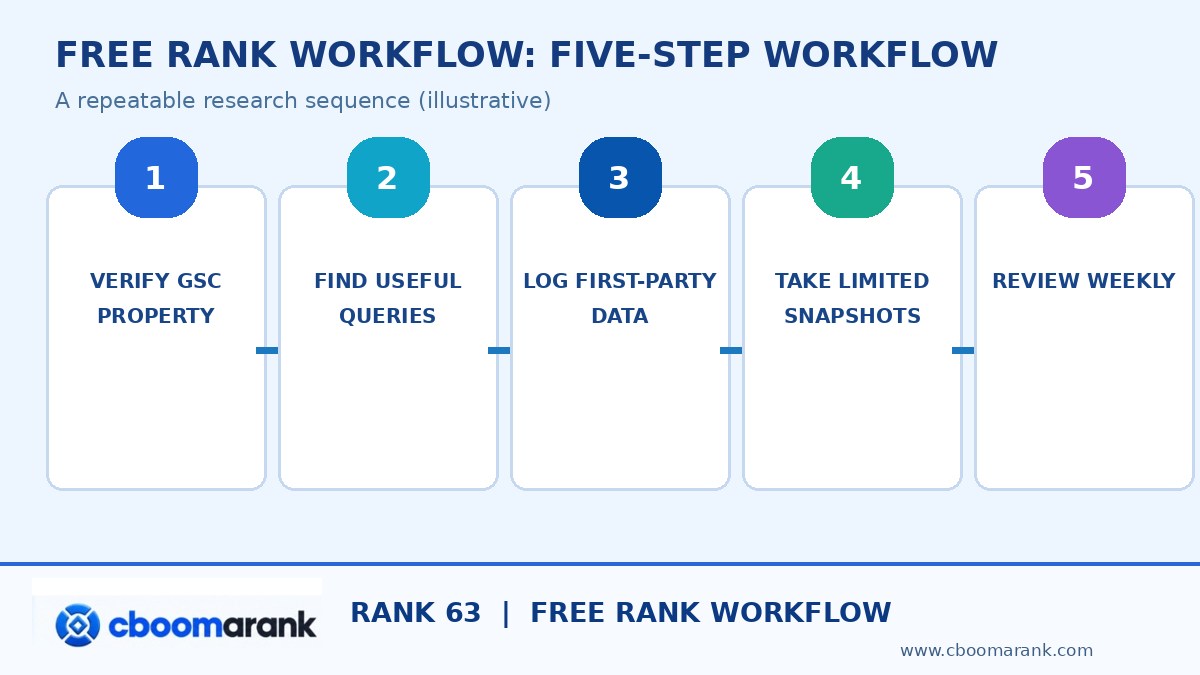
Step 1: Verify your site in Google Search Console — Free Rank Checker
Add the relevant domain or URL-prefix property and complete the required ownership verification. Choose the property that covers the canonical pages you intend to measure. If the site has just been verified, it may take time before useful historical data accumulates; a zero row does not prove that the page is unindexed.
Use the exact verified property, including any canonical hostname changes. When Search Console reports no impressions, review the date window and coverage first instead of opening a second unrelated tracking account.
Step 2: Collect the keywords that actually matter
Start with five to twenty queries tied to products, services or editorial goals. Search Console can show queries where your verified pages earned impressions, while customer conversations and keyword research may suggest new terms. Keep branded and non-branded terms separate so growing brand searches do not conceal weak discovery for commercially valuable generic topics.
Build a short list around customer tasks and existing landing pages. A free workflow becomes manageable when every tracked query has a reason for being included and a page owner responsible for reviewing it.
What to document in your free rank checker notes
Include the chosen keyword or offer, the relevant URL, the measurement setting, the important finding and the next decision. If an observation is unavailable, use “not observed” rather than inventing a value.
Step 3: Use the free Performance report correctly — Free Rank Checker
Open Performance → Search results and turn on average position, clicks, impressions and CTR. Filter by a keyword and inspect the Pages dimension to see which URL Google served. Select a coherent period rather than comparing a single new day against a whole month. Understand that average position is not a real-time snapshot.
Export the query/page breakdown at an appropriate interval. A single aggregate number cannot show whether a better result came from the page you intended or from a different URL.
Step 4: Collect a small manual SERP sample
For a few priority terms, record the visible organic result under documented device, location and browser conditions. If you use incognito, remember that it does not remove geographical effects or all context. Avoid repeatedly scraping Google at scale: use permitted tools and first-party reports rather than attempting to bypass access restrictions.
Keep manual checks small and document every condition that could change the result. Screenshots are helpful supporting evidence but should be accompanied by a row recording the query and target country.
Step 5: Evaluate limited free online checkers — Free Rank Checker
Check whether a service discloses the target country, device, freshness, query limits and which SERP features it counts. Some free sites are demonstrations with quotas, upsells, or unclear update times. Do not enter a private Search Console verification token or Google account password into an unrelated rank checker. Verify provider privacy practices before connecting accounts.
If a service requests broad account permissions without a clear reason, do not connect it merely to obtain a free position number. Trusted first-party reporting and manual observations are adequate for many small sites.
Step 6: Record changes in a simple weekly log
Use a spreadsheet with date, query, country, device, target URL, observed result, Search Console average position, impressions and notes. Record “not found within observed depth” rather than assigning an invented rank of 100. Keep a source column so the same observation can be audited later.
Save one version of your tracker for each period rather than overwriting last week’s results. An audit trail allows an editor to connect changes in pages with changes in impressions and actual clicks.
What to document in your free rank checker notes
Include the chosen keyword or offer, the relevant URL, the measurement setting, the important finding and the next decision. If an observation is unavailable, use “not observed” rather than inventing a value.
Step 7: Identify improvement opportunities from free signals — Free Rank Checker
A page with strong impressions but weak CTR may need a clearer title or more relevant promise. A URL that changes frequently for one query may need a content-intent review. Low impressions can indicate limited demand, poor indexing, or limited visibility. Do not jump to a technical diagnosis until you check which explanation fits.
Choose interventions based on the specific weakness, not a vague drop in visibility. Improving a snippet for a high-impression page differs from fixing a redirect that accidentally moved a canonical URL.
Step 8: Know when to move to a paid monitor
Upgrade only when the time saved from automation outweighs the subscription and when you need repeatable city/device snapshots, competitor data, longer history or client-ready reporting. Free tools are often adequate for weekly editorial decisions on a small site.
Estimate staff time spent on manual checks. Upgrade when better coverage or automation frees enough capacity for work that matters, such as publishing useful content or fixing conversion friction.
Free Rank Checker: Worked Business Example
A consultant tracks fifteen SEO-related queries for a small business website each Friday. Search Console supplies performance data for terms with impressions. The consultant manually checks only the five commercially important terms with consistent desktop and country settings, then logs the target landing-page URL. When one term improves by two positions but clicks do not change, the consultant waits for a longer trend rather than announcing a revenue win.
The figures or scenarios in this example are illustrative rather than measurements of a named company. A strong implementation distinguishes a recorded observation, a hypothesis, a controlled test and a verified result. That approach protects credibility when someone asks how the conclusion was reached.
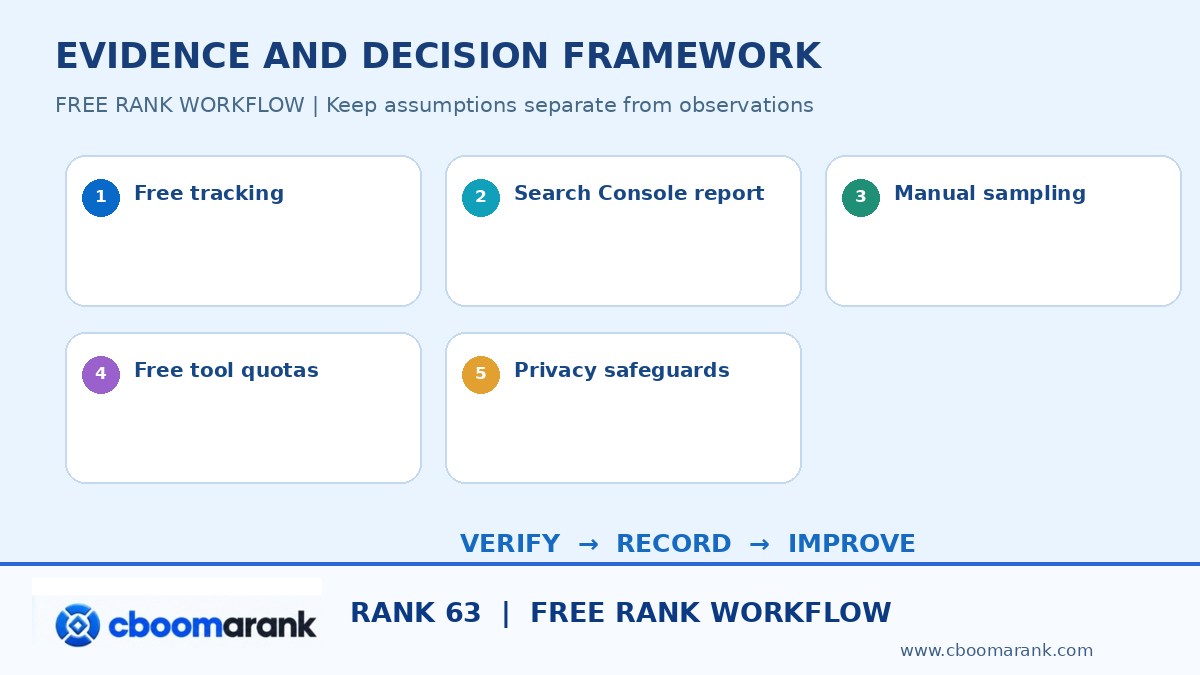
Free Rank Checker: Quality-Control Checklist
Before reporting findings, check the following frequent interpretation errors. Correcting these mistakes is often more valuable than collecting another large export.
1. Free does not mean unlimited
Always review daily queries, tracked keywords and export limits. Add a note identifying the exact source and scope of the observation, then revisit it when comparing the next measurement period. This prevents the team from turning a narrow or uncertain signal into a larger unsupported claim.
2. Use your own property for first-party data
Search Console requires ownership or delegated access. Add a note identifying the exact source and scope of the observation, then revisit it when comparing the next measurement period. This prevents the team from turning a narrow or uncertain signal into a larger unsupported claim.
3. No fixed universal position exists
Location, device and date change observed results. Add a note identifying the exact source and scope of the observation, then revisit it when comparing the next measurement period. This prevents the team from turning a narrow or uncertain signal into a larger unsupported claim.
4. Security comes first
Never share passwords or private tokens with questionable checker sites. Add a note identifying the exact source and scope of the observation, then revisit it when comparing the next measurement period. This prevents the team from turning a narrow or uncertain signal into a larger unsupported claim.
5. Track relevant landing pages
Domain-level ranking alone hides wrong-URL issues. Add a note identifying the exact source and scope of the observation, then revisit it when comparing the next measurement period. This prevents the team from turning a narrow or uncertain signal into a larger unsupported claim.
6. Flag missing observations honestly
Use not-found status rather than inventing a numeric position. Add a note identifying the exact source and scope of the observation, then revisit it when comparing the next measurement period. This prevents the team from turning a narrow or uncertain signal into a larger unsupported claim.
7. Measure outcomes
A better position matters if qualified impressions, clicks or leads improve. Add a note identifying the exact source and scope of the observation, then revisit it when comparing the next measurement period. This prevents the team from turning a narrow or uncertain signal into a larger unsupported claim.
How to Convert free rank checker Research into a 30-Day Plan
Days 1–7: Establish a reliable baseline
Choose the highest-value audience segment, define measurement settings, verify access to first-party reports where available, and collect a small number of repeatable observations. Keep a record of missing data and why those gaps matter. Do not change ten different factors before the baseline is clear.
Days 8–14: Prioritize opportunities and limitations
Separate improvements you control from external factors you merely observe. Score candidate actions by expected business impact, confidence in the evidence, effort and risk. Review indexing or tracking integrity before concluding that content or bids must change.
Days 15–21: Run narrow, measurable improvements
Implement the smallest meaningful change to content, targeting, measurement, location coverage or landing-page usability. Record what was changed and when. Preserve the previous state or a backup so the team can reverse mistakes and avoid confusing a technical issue with an SEO result.
Days 22–30: Measure, report and choose the next cycle
Compare consistent time periods and appropriate sample sizes. Explain improvements in clicks, useful visitors and qualified enquiries as well as rankings or visibility. Keep the report honest about uncertainty, and decide which process should repeat next month.
Frequently Asked Questions About Free Rank Checker
Is there a genuinely free Google keyword rank checker?
Google Search Console is free for verified site owners and reports average position; other free checkers may provide limited snapshots under their own quotas.
Can I check a competitor domain for free?
You can inspect some public search results manually, but cannot access a competitor’s private Search Console data.
Why does my free checker disagree with Search Console?
The snapshot may use different place/device/date assumptions, while Search Console aggregates real impressions.
How many keywords can I check without paying?
Manual or first-party workflow limits depend on your time and coverage; third-party free quotas differ and change.
Can I track daily rankings free?
You can log observations yourself, but reliable automated daily snapshots at scale commonly require a service.
Can I use incognito to make results unbiased?
Incognito only reduces some personalization; geography, device, language, and SERP context remain.
What if Search Console shows no query data?
Check property verification, the date range, indexing and whether sufficient impressions exist; data can be filtered or delayed.
Useful Official References for free rank checker Research
- Google Search Console performance guide — consult the source for current definitions and limitations.
- Google explanation of search position — consult the source for current definitions and limitations.
- Bing Webmaster search performance guide — consult the source for current definitions and limitations.
Explore related analysis: CBOOMARANK guide and related SEO research article. These resources provide broader context; this post is focused on the specific task above.
Final Verdict: Make free rank checker Useful
A reliable research process documents query intent, measurement settings, sample limitations, business relevance and the action that follows. Be skeptical of rankings or competitor estimates that lack a source. Repeat the process with the same definitions, compare it with qualified visitors and conversions, and prioritize work that improves the user experience rather than chasing a single score.
Find research workflows at www.cboomarank.com, compare CBOOMARANK pricing and access, and download the research workbook to build a repeatable action plan.
Editorial note (October 2026): Software features, search interfaces and plan entitlements change. Vendor statements are not third-party test results. CBOOMARANK publishes this guide and offers SEO research products; verify current features and availability before purchasing.
