

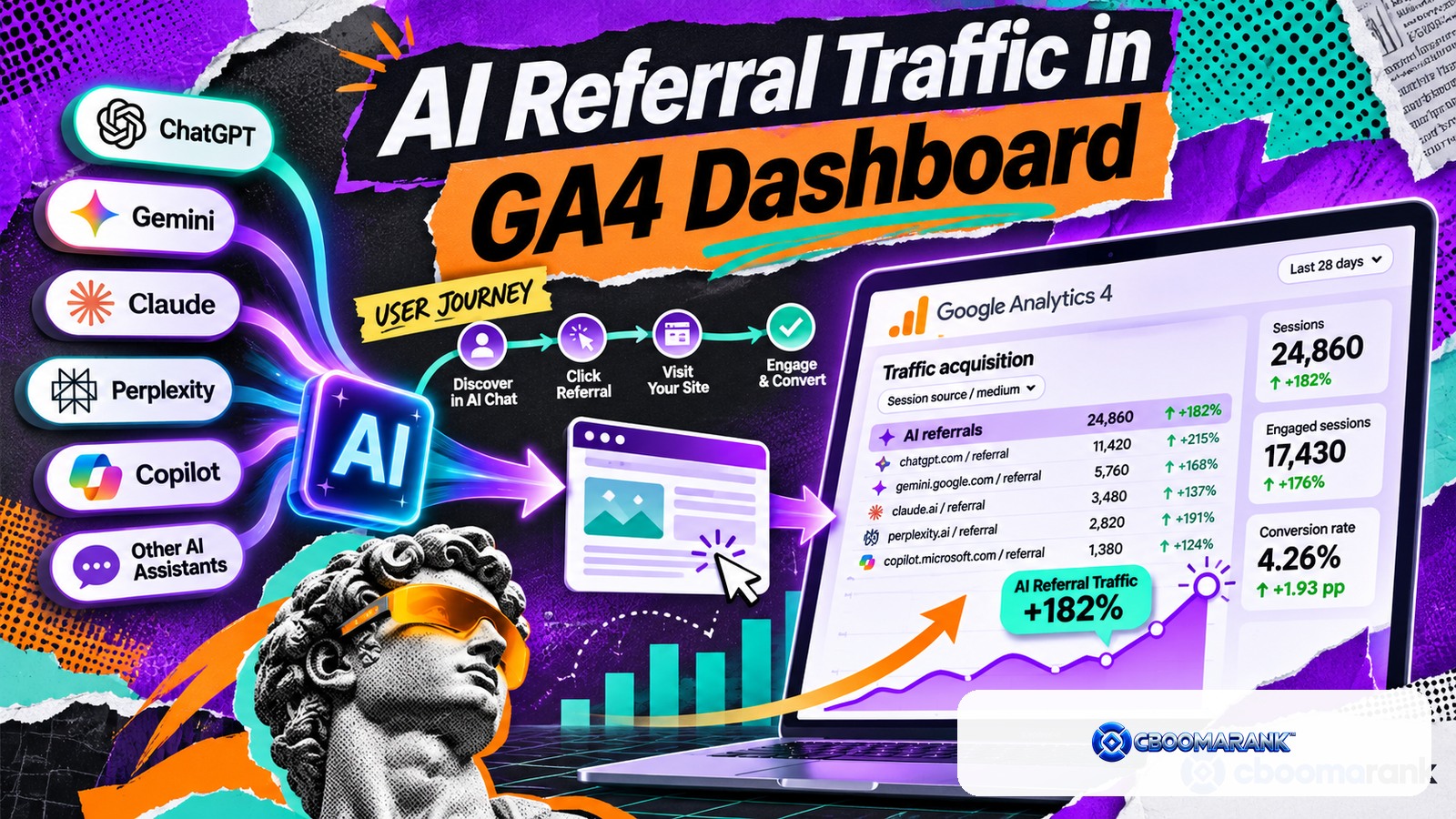
AI referral traffic is website traffic that arrives from AI-powered search and answer products such as ChatGPT, Perplexity, Microsoft Copilot and other tools that send users to external sources. Tracking it in GA4 helps you understand which AI products are sending visits, which landing pages receive those visits and whether the traffic contributes to leads, sign-ups or revenue.
AI referral traffic should be measured separately from AI visibility. A brand can be mentioned in an answer without receiving a click, while a cited page can receive traffic even when the brand is not mentioned prominently. Analytics therefore captures only one part of the broader AI-discovery journey.
AI Referral Traffic in GA4: The Quick Answer
Use GA4 traffic-source dimensions such as source, medium and session source / medium to identify referrals from AI platforms. Create a reusable exploration or comparison that groups the sources you care about, then analyze landing pages, engagement and conversions. Keep the source list documented because AI products and referral behavior can change.
OpenAI’s current publisher FAQ states that ChatGPT automatically includes utm_source=chatgpt.com in referral URLs from ChatGPT search results, which gives publishers a clear signal to analyze in tools such as Google Analytics.
What GA4 Records About AI Referral Traffic
Google Analytics uses traffic-source dimensions to describe where visits come from. Google’s traffic-source documentation defines source as the platform, website or app that referred the user, while medium describes the type of traffic such as referral, organic, email or paid search.
For AI traffic, the useful fields usually include Session source, Session medium, Session source / medium, landing page and key-event or conversion metrics. First-user source can answer a different question: which source originally acquired the user rather than which source started the current session.
Start With the Traffic Acquisition Report
In GA4, open Reports → Acquisition → Traffic acquisition. Google’s current documentation describes this report as the place to understand where new and returning users are coming from. Change the primary dimension to Session source / medium or Session source, then search for known AI-source names.
Do not expect every AI visit to appear under one clean “AI” channel. Depending on the referring product, browser, redirect behavior and tagging, visits may appear as referral traffic, a known source or direct traffic when source information is lost.
Track AI Referral Traffic From ChatGPT

Because ChatGPT search referrals include utm_source=chatgpt.com, look for chatgpt.com in session source and manual source dimensions. Depending on the reporting configuration, the medium may be referral or may reflect manual tagging behavior.
Create a GA4 comparison where Session source exactly matches or contains chatgpt.com. Then review landing pages, engaged sessions, key events and revenue or lead outcomes. CBOOMARANK’s ChatGPT SEO guide explains why referral traffic should be evaluated alongside citations and prompt-level visibility.
Track Other AI Referral Traffic Sources
Other AI products may appear through recognizable referral hostnames when they send a normal web referrer. Examples can include domains associated with Perplexity, Microsoft or other answer engines. The exact source strings can change, so verify what actually appears in your GA4 property before building a permanent rule.
A practical approach is to inspect the Source dimension for unfamiliar referral domains, open the landing pages they sent traffic to, and confirm whether the source belongs to an AI product. Keep a dated source dictionary rather than assuming a list found in an old blog post will remain correct forever.
Build an AI Referral Traffic Group in GA4 Explorations
For a repeatable view, create an Exploration and filter Session source with a regex or multiple conditions covering the AI sources you have verified. Use rows for source, landing page or page path. Add metrics such as sessions, engaged sessions, engagement rate, key events and total revenue where applicable.
Name the exploration clearly, for example AI Referral Traffic, and document the source list in the report description or an external measurement note.
Recommended AI Referral Traffic Dashboard
| Dimension / metric | Why it matters |
|---|---|
| Session source | Shows which AI product sent the visit |
| Landing page | Shows which content AI systems are sending users to |
| Sessions | Measures visit volume |
| Engaged sessions | Helps distinguish meaningful visits from quick exits |
| Engagement rate | Provides quality context |
| Key events | Tracks sign-ups, leads or other important actions |
| Revenue | Connects AI referrals with commercial value where available |
| Country | Shows geographic differences in AI discovery |
| Device category | Reveals whether AI referral behavior is mobile or desktop heavy |
Separate AI Visibility From AI Referral Traffic
CBOOMARANK’s AI visibility guide separates mentions, citations, recommendations and referral traffic because they answer different questions. A brand can have high mention share but almost no clicks. Another site can receive a small number of highly qualified visitors from citations.
Build a monthly report with two sections: visibility observations and analytics outcomes. Do not claim that referral traffic represents all AI influence. A user may discover a brand in an AI answer and later arrive through branded search or direct navigation.
Why Some AI Referral Traffic Becomes Direct

GA4 classifies visits as direct when no usable referral source is available. Google’s current direct-traffic documentation explains that missing source information, redirects, link shorteners and other factors can cause traffic to lose attribution.
This means an AI product may influence traffic without every visit being labeled cleanly. Do not inflate AI numbers by reclassifying all unexplained direct traffic. Use only evidence you can defend.
Track AI Referral Traffic Landing Pages, Not Just Sources
Landing-page analysis shows what information AI users considered worth clicking. If AI referrals repeatedly arrive on comparison guides, original research or technical tutorials, that pattern can guide content investment.
Compare AI landing pages with organic-search landing pages. AI products may surface a different content mix from traditional rankings. The difference can reveal topics where the site is cite-worthy even when it is not a top conventional result.
Measure Conversion Quality
A hundred AI sessions with ten qualified leads can be more valuable than thousands of low-intent visits. Track the actions that matter: trial starts, registrations, enquiries, purchases, subscriptions or downloads. Where sales cycles are long, connect GA4 with CRM or backend data carefully.
Use the same conversion definitions across traffic sources. Changing the definition only for AI traffic makes comparisons misleading.
Create a Source Naming Policy
Analytics becomes difficult when teams use inconsistent labels. Keep a simple source dictionary with the observed hostname, normalized platform name, date first seen and notes. For ChatGPT, keep chatgpt.com as a first-party observed source rather than renaming it unpredictably in every dashboard.
| Observed source | Normalized group | Notes |
|---|---|---|
| chatgpt.com | ChatGPT | OpenAI documents utm_source=chatgpt.com for ChatGPT search referrals |
| Verified Perplexity source | Perplexity | Use the exact hostname observed in your property |
| Verified Microsoft/Copilot source | Microsoft Copilot | Confirm the source before grouping |
| Unknown referral | Unclassified referral | Investigate before labeling as AI |
Use UTM Parameters Carefully
You control UTM parameters only on links you create or on platforms that add them. Do not fabricate UTM tags after the fact. Google Analytics maps manually tagged parameters into manual source, medium and campaign dimensions. Google’s manual tagging documentation explains how UTM values populate traffic-source dimensions.
For external AI systems, rely on the referral information or UTM parameters actually provided by the platform. Preserve those parameters through redirects whenever possible.
Build Monthly AI Referral Reporting
- Export sessions by verified AI source.
- List the top landing pages for each source.
- Track engaged sessions and engagement rate.
- Measure key events and conversion rate.
- Record revenue or qualified pipeline where appropriate.
- Compare current period with the prior period.
- Separate new sources from sources that disappeared.
- Connect high-value landing pages to AI visibility and citation research.
- Document attribution limitations.
- Update the source dictionary when platforms change.
Common AI Referral Tracking Mistakes
- Treating every direct session as AI traffic.
- Using an old source-domain list without checking the GA4 property.
- Counting brand mentions as the same thing as clicks.
- Reporting sessions without conversions or engagement.
- Mixing first-user and session acquisition dimensions.
- Assuming one AI platform represents the whole market.
- Ignoring redirects that strip referral or UTM information.
- Claiming causality from referral traffic alone.
Worked GA4 Workflow for AI Referral Traffic
Start in Traffic acquisition and use session source / medium rather than relying only on a default channel label. Look for identifiable sources such as chatgpt.com / referral and other AI domains that appear in your property. OpenAI states that ChatGPT search referral URLs include utm_source=chatgpt.com, which can make those visits easier to identify when the parameter reaches your site intact.
Do not stop at session counts. Add landing page, engaged sessions, key events and revenue or lead metrics where appropriate. AI referral traffic can be small compared with organic search while still sending highly qualified visitors to specific guides, product pages or comparison resources.
Create a maintainable AI-source definition
A manual list of domains will change as products and referral behavior evolve. Maintain a documented source list and review it periodically. GA4’s traffic-source dimensions identify the platform or site that referred a user, and Google’s newer source-grouping logic already recognizes several AI-related source values, including ChatGPT, Gemini and Perplexity. Your own reporting should still preserve the raw source so you can audit changes.
| Reporting layer | Example dimension | Why use it |
|---|---|---|
| Raw acquisition | Session source / medium | See the actual source value recorded for the session |
| Landing-page quality | Landing page + query string | Find content that earns AI-driven visits |
| Engagement | Engaged sessions / engagement rate | Compare visit quality |
| Business outcome | Key events, leads or revenue | Measure value instead of visibility alone |
Expect Attribution Gaps
Not every visit influenced by an AI answer will be identifiable as an AI referral. A user can read an answer on one device and later type the brand name, open a bookmark or search on Google. Redirects and tracking limitations can also remove referral details. GA4 documents several reasons traffic can appear as direct when clear source information is unavailable.
For that reason, AI measurement should use multiple layers. Referral sessions measure direct, attributable visits. Brand search trends can reveal demand that may have been influenced elsewhere. AI visibility tracking can show whether the brand is mentioned or cited even when no click occurs. These are related signals, but they should not be merged into one inflated “AI traffic” metric.
Compare AI traffic with a useful benchmark
Compare AI referrals with channels that serve similar intent rather than only with total site traffic. For a software company, a small number of AI-referred visits to pricing, comparison or feature pages may be more commercially valuable than a large volume of low-intent visits elsewhere. Evaluate conversion rate, lead quality and assisted journeys when the data volume is sufficient.
Monthly AI Referral Reporting Template
- Total identifiable AI referral sessions and their share of site sessions.
- Top AI sources by sessions and engaged sessions.
- Top landing pages receiving AI referral traffic.
- Key events, leads or revenue attributed to those sessions.
- Month-over-month change with a note explaining major content or tracking changes.
- Top pages cited or mentioned in AI visibility monitoring, reported separately from referral clicks.
Keep sample sizes visible. If a source sent 12 visits, a 50% conversion-rate swing may represent only a few people. Do not overstate tiny datasets. Use the report to discover patterns, then investigate the pages and prompts associated with meaningful growth.
Data-Quality Checks Before You Trust the Dashboard
Confirm that cross-domain tracking, redirects and consent settings are not stripping source information. Test a sample referral path when possible and inspect the landing URL. Make sure internal redirects preserve query parameters when they are needed. Review referral exclusions and unwanted referrals so legitimate external sources are not accidentally hidden.
Finally, document the date you changed any AI-source grouping rule. A dashboard that silently adds new domains can make historical comparisons look like traffic suddenly increased when the real change was classification.
How CBOOMARANK Fits Into AI Referral Analysis
GA4 tells you what identifiable visitors did after arriving. CBOOMARANK can add the SEO context around those visits: which topics and pages are visible, which competitors dominate the same subject, what backlinks support the cited pages and whether technical issues limit discoverability.
For example, if ChatGPT sends qualified traffic to one guide, CBOOMARANK can help investigate related keyword clusters, competitor content and authority gaps. The objective is not to chase every AI referrer; it is to understand which content earns useful discovery and how that supports business outcomes.
Use CBOOMARANK to connect AI referral outcomes with keyword, competitor, backlink and website intelligence.
AI Referral Traffic Checklist
- Confirm GA4 is collecting traffic-source data correctly.
- Check Session source and Session source / medium.
- Verify ChatGPT traffic using chatgpt.com where present.
- Investigate other AI referral domains before grouping them.
- Create a reusable AI traffic exploration.
- Track landing pages and engagement.
- Connect sessions to key events and revenue.
- Separate referral traffic from mentions and citations.
- Document attribution limitations.
- Review source rules regularly.
Frequently Asked Questions
Can GA4 track ChatGPT traffic?
Yes. OpenAI states that ChatGPT search referral URLs include utm_source=chatgpt.com, which can be analyzed in GA4.
Does all AI traffic appear as referral traffic?
No. Source information can be lost, and some visits may appear as direct or another source. Use only traffic you can identify defensibly.
Should I create a custom AI channel group?
It can be useful for reporting once you have verified the source rules, but keep the underlying source-level data available for auditing.
What is the difference between AI visibility and AI referral traffic?
Visibility measures whether a brand or site appears in AI answers. Referral traffic measures identifiable visits that actually click through to the website.
Which AI metrics matter most?
Sessions are useful, but landing-page quality, engaged sessions, key events, conversions and revenue usually provide stronger business context.
Final Verdict
AI referral traffic belongs in modern acquisition reporting, but it should be measured carefully. Start with GA4 source dimensions, verify every source, use OpenAI’s documented ChatGPT tagging where available and connect visits to real outcomes. The goal is not to inflate a new channel; it is to understand whether AI discovery produces meaningful business value.
