

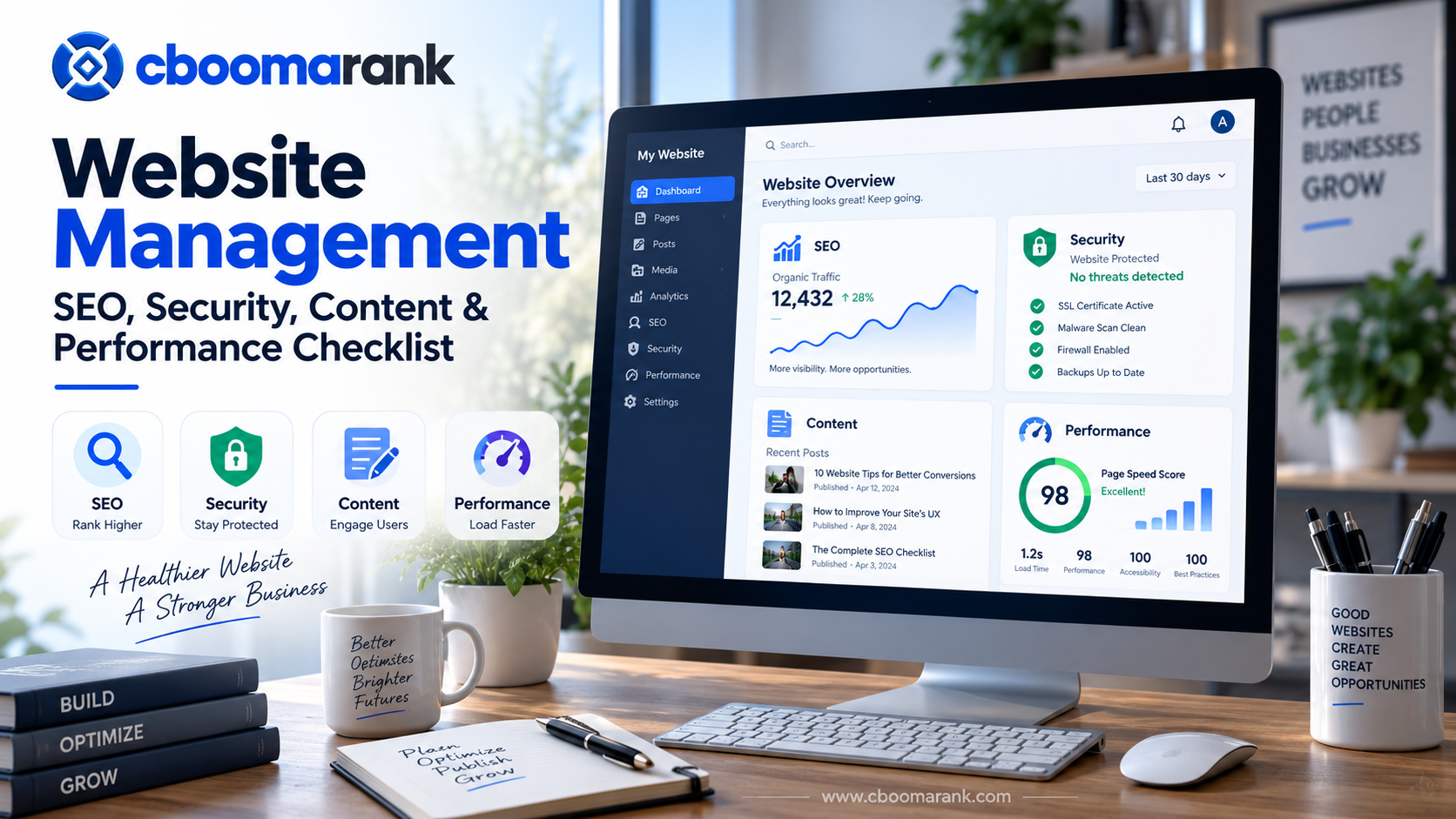
In practice, website management is the ongoing process of keeping a website secure, technically healthy, searchable, useful, fast and aligned with business goals. Publishing a website is only the beginning. Search visibility, conversions and customer trust can decline when pages become outdated, technical problems accumulate, security updates are ignored or performance is not monitored.
This website management checklist explains the practical work involved in managing SEO, security, content, performance, analytics and conversion paths in 2026. It is designed for business owners, marketers, publishers, website managers and teams that want a repeatable system rather than occasional fixes.
Effective website management connects several disciplines. Technical SEO helps search engines discover and understand pages. Security protects users and business data. Content maintenance keeps information accurate and useful. Performance monitoring reduces friction, while analytics show which improvements actually produce results.
Analyze Your Website with CBOOMARANK
Use CBOOMARANK to review website visibility, SEO opportunities, keywords, competitors and performance signals as part of your website management workflow.
What Is Website Management?
In addition, website management is the structured maintenance and improvement of a website after launch. It includes monitoring technical health, publishing and refreshing content, maintaining software, protecting accounts and data, checking search performance, improving user experience and ensuring that important business journeys continue to work.
A managed website should not simply remain online. It should continue to serve the people who visit it and the business that owns it. That means checking whether pages load correctly, whether information remains accurate, whether search engines can crawl important URLs, whether forms and calls to action function, whether vulnerabilities are addressed and whether the site supports measurable goals.
The exact workload depends on the size and complexity of the website. A small service website may need a concise monthly routine, while an ecommerce site, publisher or SaaS platform may require daily monitoring and specialist responsibilities across several teams.
The Four Pillars of Website Management
1. SEO Health in Website Management
In addition, maintain crawlability, indexing, internal links, metadata, structured information and search-focused content.
2. Security in Website Management
Keep software current, protect accounts, maintain backups and monitor suspicious or unauthorized changes.
3. Content Quality in Website Management
Refresh outdated information, remove duplication, strengthen internal linking and improve pages that no longer satisfy search intent.
4. Performance in Website Management
Next, monitor loading speed, responsiveness, broken functionality and conversion journeys across desktop and mobile devices.
Website Management SEO Checklist
In addition, SEO maintenance should be treated as an ongoing operating process rather than a one-time optimization project. Search engines crawl websites repeatedly, competitors publish new material, URLs change and content becomes outdated. Regular checks help identify problems before they affect a large portion of the site.
1. Monitor indexing and crawlability
Confirm that important pages remain accessible to search engines. Review robots directives, canonical URLs, redirects, XML sitemaps and accidental noindex settings whenever major site changes are made.
Google Search Console is one of the most useful external sources for identifying indexing issues and understanding how Google interacts with a site. Google’s documentation also provides guidance on crawling, indexing and search appearance.
Google Search Console should therefore be part of a routine website management process rather than something checked only after traffic falls.
2. Review titles and meta descriptions
Important pages should have unique, descriptive titles aligned with their main search intent. Meta descriptions should accurately summarize the page and encourage qualified users to click without relying on exaggerated promises.
When updating old content, compare the page title, H1, URL, focus topic and search intent before making changes. Avoid changing established URLs without a reason and a redirect plan.
3. Audit internal links
Internal links help visitors move through related content and help search engines understand relationships between pages. Look for orphan pages, broken links, outdated anchors and important pages receiving too little internal link support.
A practical approach is to connect informational content with deeper guides, commercial pages and relevant tools. For example, businesses planning acquisition campaigns can also review CBOOMARANK’s guide to lead generation strategies for SEO and digital marketing.
4. Check duplicate and competing content
Multiple pages targeting nearly identical intent can create unnecessary competition and confuse site architecture. During website management reviews, identify pages that should be consolidated, redirected, differentiated or updated.
Google provides detailed guidance on canonicalization when similar content is available through multiple URLs.
5. Maintain structured site architecture
Navigation should make important areas easy to reach. Categories, breadcrumbs, contextual links and logical page hierarchy help people understand where they are and what to do next.
Complex websites should periodically map their content inventory to prevent older sections from becoming isolated as the site expands.
Website Security Management Checklist
Security maintenance protects more than the website itself. A compromised site can affect customers, search visibility, payment information, business reputation and connected systems. Security should therefore be integrated into the normal website management schedule.
Keep the CMS, plugins and themes current
For WordPress websites, review core, plugin and theme updates frequently. Before significant updates, confirm that a usable backup exists and that rollback is possible if compatibility problems appear.
WordPress’s official updating documentation recommends keeping WordPress current and backing up before updating. Its security guidance also emphasizes backups and hardening measures.
Use strong access controls
Administrative access should be limited to people who genuinely need it. Remove unused accounts, avoid shared credentials, use strong unique passwords and enable multi-factor authentication where supported.
Next, review administrator accounts after staff or vendor changes. Old access that remains active can become a long-term security weakness.
Maintain tested backups
A backup is useful only if it can be restored. Maintain copies of both website files and databases, store backups separately from the live server when appropriate and periodically verify recovery procedures.
The official WordPress hardening guide discusses security practices and the importance of maintaining reliable backups.
Monitor certificates and HTTPS
Confirm that HTTPS certificates remain valid and that important resources do not load through insecure HTTP connections. Mixed-content issues can create browser warnings and damage visitor confidence.
Watch for unexpected changes
Unexpected new administrators, unfamiliar files, changed redirects, injected links, unusual traffic patterns or modified templates can indicate a configuration problem or compromise. Establish a process for investigating these changes rather than assuming every anomaly is harmless.
Website Content Management Checklist
Content maintenance is one of the most overlooked areas of website management. A technically healthy website can still perform poorly when the information it contains is outdated, repetitive or disconnected from what users need.
Update outdated pages
For example, review statistics, screenshots, product information, pricing references, dates, regulations, software interfaces and recommendations that can change over time. Pages that attract meaningful traffic deserve particularly careful review because outdated information affects more visitors.
Strengthen content around search intent
Do not update an article simply by adding words. Determine what the searcher is trying to accomplish and make the page better at helping them complete that task.
For informational queries, this may mean clearer explanations, examples, checklists and decision frameworks. For commercial queries, it may mean better comparisons, pricing context, limitations and calls to action.
Remove unnecessary duplication
When several weak pages cover the same subject, consider whether one comprehensive resource would serve users better. Consolidation can simplify navigation, reduce maintenance burden and create a clearer internal linking target.
Maintain editorial standards
Every important article should have a descriptive title, logical headings, readable formatting, useful images, meaningful ALT text, relevant internal links and trustworthy external references where needed.
Images should support the topic rather than exist only as decoration. File size should also be controlled because unnecessarily heavy media can affect loading performance.
Keep conversion paths current
In addition, review calls to action when products, plans or services change. Old CTA links and obsolete offers can waste traffic even when the article itself ranks well.
Turn Website Management Data Into an Improvement Plan
Use CBOOMARANK to investigate keywords, competitors, SEO opportunities and website signals before deciding what to improve next.
Website Performance Management Checklist
Performance affects how quickly visitors can interact with a website and whether important journeys feel reliable. Slow or unstable experiences can reduce engagement even when the content itself is strong.
Measure real pages regularly
Test the homepage, major landing pages, high-traffic articles, product or service pages and conversion pages rather than relying on a single URL. Different templates can have different performance problems.
Google PageSpeed Insights can help investigate performance and Core Web Vitals signals. Track changes over time instead of treating one isolated test as a permanent verdict.
Optimize images and media
Resize oversized images, use efficient formats where appropriate, avoid unnecessarily heavy video embeds and ensure responsive images are delivered correctly. Media libraries should also be reviewed periodically for obsolete or duplicate assets.
Control scripts and third-party tools
Analytics, advertising, chat, tracking, personalization and marketing scripts can accumulate as a website evolves. Audit whether each script is still required and whether it creates measurable value relative to its performance cost.
Monitor mobile usability
However, website management should always include mobile testing. Check navigation, forms, tables, buttons, images, sticky elements and content spacing on common mobile widths.
A page that technically loads on mobile can still be difficult to use if buttons overlap, text becomes cramped or interactive elements are blocked by overlays.
Test important transactions
Regularly test forms, checkout flows, account creation, password reset, downloads, search, contact links and other critical interactions. Monitoring uptime alone does not prove that a website is functioning correctly.
Analytics and Monitoring for Website Management
Management decisions should be connected to evidence. Traffic alone is not enough. A useful monitoring framework combines visibility, engagement, conversions and technical health.
Track organic visibility
In addition, monitor impressions, clicks, important queries and landing pages. Investigate meaningful declines, but avoid reacting to normal daily volatility without context.
Monitor conversions
A website can gain more traffic while producing fewer leads or sales. Track the actions that matter to the business, such as form submissions, purchases, registrations, calls, downloads or qualified account creation.
Compare performance before and after changes
Document major updates so that traffic and conversion changes can be interpreted correctly. When many changes happen simultaneously, it becomes harder to understand what helped or hurt performance.
Monitor competitors and market changes
As a result, website management also includes understanding what is changing outside your own domain. Competitors may publish stronger content, target new keywords, improve landing pages or enter new search categories.
Turn Competitor Changes Into Action
With CBOOMARANK, you can connect website analysis, keyword research and competitor research to identify emerging search opportunities, compare competing content and prioritize improvements with the strongest potential impact.
Instead of monitoring competitors in isolation, use those insights alongside your own SEO, content and performance data to make better website management decisions.
How Often Should You Manage a Website?
There is no single schedule suitable for every website. The right frequency depends on traffic, publishing volume, business risk, technical complexity and how often the underlying product or market changes.
| Frequency | Recommended checks |
|---|---|
| Daily | Critical uptime, security alerts, transactions, major publishing errors and high-value forms. |
| Weekly | Updates, backups, broken functionality, recent content, search anomalies and important conversion paths. |
| Monthly | SEO performance, internal links, page speed, content decay, competitor movement and analytics trends. |
| Quarterly | Deep content audit, technical crawl, architecture review, conversion review and broader security assessment. |
Complete Website Management Checklist
Review indexing, important queries and landing-page performance.
Check canonicals, redirects, robots directives, sitemaps and crawl errors.
Find broken, outdated and missing contextual links.
Update obsolete facts, screenshots, offers and recommendations.
Maintain the CMS, themes, plugins and server software.
Verify current backups and confirm restoration procedures.
Remove obsolete accounts and protect privileged access.
Test important templates, mobile usability and media weight.
Test lead forms, checkout, registration and account workflows.
Confirm meaningful actions are tracked correctly.
Review keyword, content and search visibility changes.
Ensure CTAs still point to current and relevant destinations.
Common Website Management Mistakes
Only working on the site when something breaks
Reactive maintenance creates avoidable risk. A structured routine catches smaller problems before they become expensive incidents.
Updating without backups
Even routine changes can conflict with themes, plugins, integrations or custom code. Maintain a rollback path before significant changes.
Focusing only on rankings
Rankings are important, but website management also involves security, conversions, content quality and user experience. A page can rank and still fail commercially.
Ignoring old content
Publishing new pages while never reviewing older ones creates content decay and unnecessary duplication. Existing pages often deserve improvement before another similar article is created.
Adding too many tools and scripts
Every new plugin, analytics tag or marketing script introduces maintenance overhead. Periodically remove systems that no longer provide enough value.
Website Management for Growing Businesses
As a website grows, management should become more systematic. Assign ownership for SEO, content, security, development and analytics rather than assuming somebody will notice every issue.
Create a recurring maintenance calendar and document significant technical changes. Maintain a list of critical pages and business journeys so that teams know what to test after updates.
For organizations relying heavily on organic acquisition, connect website maintenance with keyword and competitor research. This helps distinguish technical problems from market changes and reveals opportunities that basic uptime monitoring cannot identify.
Build a Better Website Management Workflow
Analyze your website, investigate SEO opportunities and use competitor and keyword data to prioritize the improvements with the greatest potential impact.
Frequently Asked Questions About Website Management
What does website management include?
For example, website management typically includes technical maintenance, SEO, security, backups, software updates, content maintenance, performance testing, analytics, user experience and monitoring important conversion paths.
How often should a website be maintained?
Critical monitoring may happen daily, while updates and operational checks are often performed weekly. SEO, analytics and content reviews can be performed monthly, with deeper technical and content audits conducted periodically according to the size and risk profile of the site.
Is website management the same as SEO?
No. SEO is one important part of website management. Website management also includes security, performance, software maintenance, backups, content operations, analytics and business functionality.
Who should manage a business website?
Responsibility depends on the website. Small businesses may use one experienced administrator with specialist support, while larger websites often divide responsibility among developers, SEO specialists, content teams, security professionals and marketers.
What should be checked after a website update?
Check important pages, navigation, forms, login or checkout flows, responsive layouts, analytics tracking and obvious visual problems. For larger deployments, use a documented regression checklist.
Why is website management important for SEO?
Search performance depends on more than content creation. Crawlability, internal links, page quality, technical configuration, mobile usability and the continued accuracy of published information all require ongoing attention.
Final Thoughts
Good website management is continuous. SEO, security, content and performance influence one another, so managing them as isolated tasks can leave important gaps.
Build a repeatable maintenance schedule, document major changes, protect the site with dependable backups, keep software current, review old content and connect website decisions to measurable business outcomes.
For additional SEO and digital marketing guidance, explore the CBOOMARANK blog. When you are ready to analyze website opportunities, keywords and competitors, continue with CBOOMARANK.
