


A backlink checker shows which external pages and domains link to a website or URL. The useful part is not the raw link count. It is understanding who links, which pages attract links, whether links are new or lost, what anchors are used, and how the profile compares with relevant competitors.
No third-party backlink database can see every link on the web at every moment. Crawlers differ in coverage and update speed, so numbers vary between tools. Use backlink data for comparison, discovery and monitoring, and avoid treating one vendor’s count as a universal truth.
Backlink Checker: The Quick Answer
Enter a domain, subdomain or exact URL, then review referring domains before raw backlinks. Filter by link status, follow/nofollow attributes, authority or trust metrics, anchor text, first-seen date and target page. For competitor research, identify domains that repeatedly link to comparable sites but not to you. For your own site, monitor new and lost links and investigate material changes.
| Metric | What it means | How to use it |
|---|---|---|
| Backlinks | Individual links pointing to the target | Useful for detail, but can be inflated by sitewide links. |
| Referring domains | Unique domains with at least one backlink | Often a cleaner way to understand link diversity. |
| Authority/trust metric | Vendor-specific estimate of link strength | Compare within the same tool; do not treat scores as Google metrics. |
| Anchor text | Clickable words used in the link | Understand context and detect unusual patterns. |
| New/lost | Links discovered or no longer observed | Monitor campaigns, migrations and link decay. |
| Target page | The page receiving the link | Find link-worthy content and weak commercial pages. |
Choose the Right Backlink Checker Scope
Choose domain-with-subdomains when you want a complete brand profile, domain-without-subdomains when subdomains should be excluded, and exact URL when evaluating one page. Tools such as Ahrefs and SE Ranking expose these scope choices because the answer changes materially depending on the target.
For a competitor, start broad, then drill into the most linked pages. For a link-building campaign, exact-URL analysis can reveal which specific resource earned links and which websites are likely to care about that topic.
What a Backlink Checker Reveals About Referring Domains
One website can create hundreds of links through navigation, footers or repeated templates. That can make backlink counts look impressive while the number of independent linking websites remains small. Review unique referring domains first, then inspect multiple links from the same domain when context matters.
Ahrefs defines a referring domain as a unique domain with one or more backlinks to the target and provides dedicated reports for both backlinks and referring domains. This distinction is fundamental when comparing profiles.
Use a Backlink Checker to Inspect Link Quality
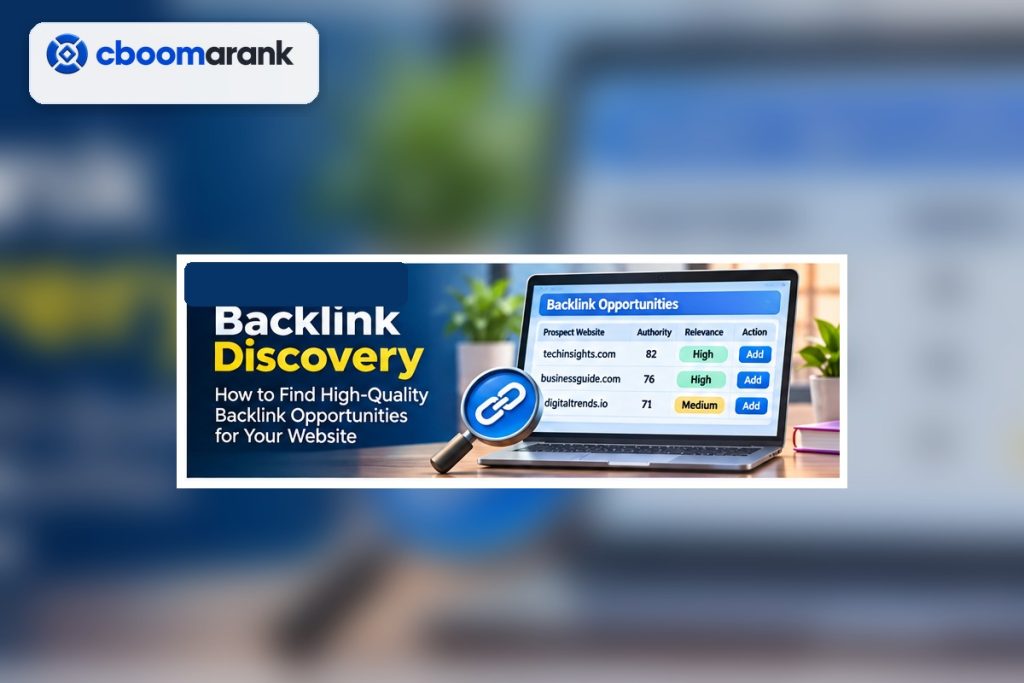
Third-party authority scores can help sort large datasets, but they are not Google metrics. Look at the referring page itself: Is it relevant? Does it appear to have real content and an audience? Is the link editorially placed? Does the page link out to hundreds of unrelated sites? Is the domain connected to your industry or target market?
Use traffic estimates and authority indicators as filters, not verdicts. A small specialist site can be valuable even when a vendor score is modest. Conversely, a high-score page can be irrelevant to your audience.
Use a Backlink Checker to Analyze Anchor Text
Anchor text reveals how other sites describe the destination. A natural profile often contains brand names, URLs, page titles and descriptive phrases. A sudden concentration of unrelated or aggressively commercial anchors deserves investigation, but do not assume every unusual link requires action.
Search engines generally handle large amounts of spam automatically. Disavowal is an advanced action and should not be used casually. If you have a manual action or a clear history of manipulative link building, follow current search-engine guidance rather than reacting to a third-party “toxic” label alone.
Use a Backlink Checker to Find Competitor Opportunities
Compare the domains linking to several relevant competitors and remove those already linking to you. Ahrefs’ Link Intersect and Semrush’s Backlink Gap are examples of this workflow. CBOOMARANK also connects backlink intelligence with competitor and publisher research so discovered opportunities can move toward evaluation and outreach.
Prioritize repeat patterns: industry publications, resource pages, associations, partner ecosystems, podcasts, original research citations and useful directories. The goal is to understand why the competitor earned the link and whether you can create something genuinely valuable to the same audience.
Find Link-Worthy Pages With a Backlink Checker
Sort competitor pages by referring domains or links. Identify the format: statistics, free tools, templates, original research, visual explainers, definitive guides or product resources. Do not copy the asset. Learn which information need consistently attracts citations and create a differentiated resource for your own audience.
Ahrefs’ Best by links workflow and similar reports in other tools are useful here. Combine the link profile with current search demand so you do not invest in a linkable asset that nobody in your market needs.
Monitor New and Lost Links With a Backlink Checker
New links can validate PR, content distribution and partnerships. Lost links can reveal deleted pages, changed URLs, site migrations, content updates or removed mentions. Track changes over time instead of reacting to daily noise.
When an important link disappears, open the referring page and determine why. A broken destination may be recoverable with a redirect. A removed mention may justify a polite outreach. A deleted low-value page may not warrant any action.
Use a Backlink Checker for Your Own Site
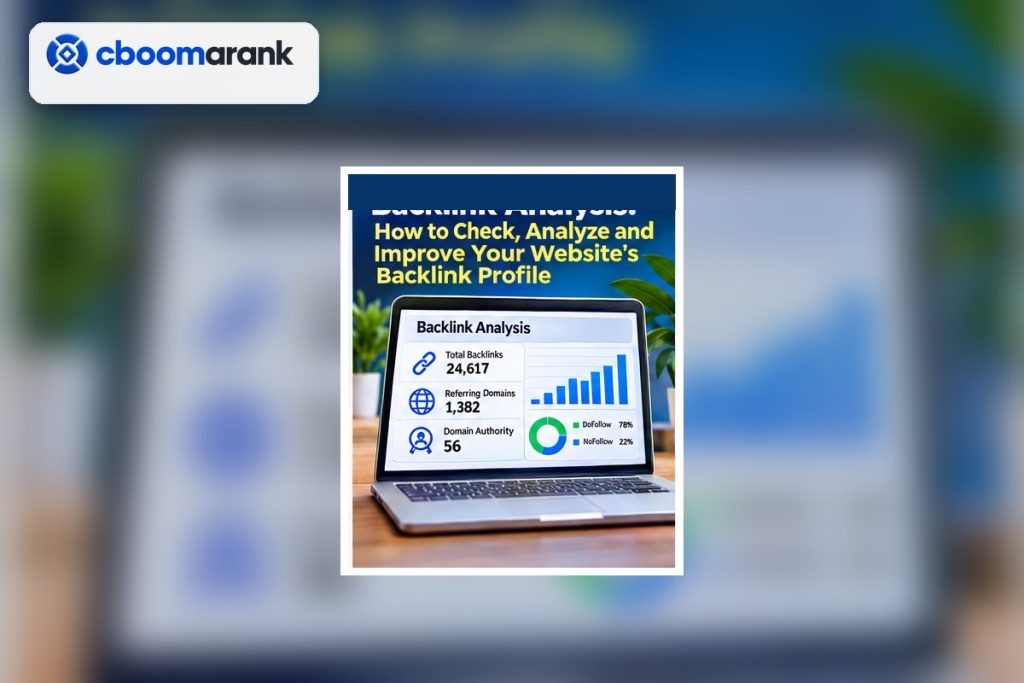
- Record the baseline referring domains and strongest linked pages.
- Identify important commercial pages with little external support.
- Monitor new and lost referring domains.
- Review anchors and destination URLs for unusual changes.
- Find broken backlinks caused by URL changes.
- Compare with two or three relevant competitors.
- Build a prospect list based on relevance and evidence, not authority score alone.
- Track outreach and earned links separately from discovered links.
CBOOMARANK Backlink Intelligence Workflow
CBOOMARANK brings backlink analysis together with website projects, competitor research, authority metrics and publisher discovery. Use the backlink view to understand the profile, then move into gap analysis and opportunity evaluation. When a publisher appears relevant, review its available metrics and audience context before making a placement decision.
Metrics such as Domain Rating, Domain Authority and Open PageRank come from different providers and methodologies. Compare like with like and record capture dates. No authority score guarantees rankings or referral traffic.
Review backlinks, compare competitor gaps and explore relevant publisher opportunities in one workflow.
Common Backlink Checker Mistakes
- Judging a site by backlink count alone.
- Mixing metrics from different vendors as if they used the same scale.
- Treating estimated traffic as measured analytics.
- Assuming every lost link needs recovery.
- Disavowing links solely because a third-party toxicity score is high.
- Choosing outreach prospects by authority score without checking relevance.
- Comparing competitors with very different audiences or markets.
- Failing to distinguish domain-level and page-level analysis.
Combine Backlink Data With Search Console and Analytics
For websites you own, backlink tools become more useful when combined with first-party data. Google Search Console’s Links report can show linking sites, linked pages and link text for properties you own, while analytics can reveal referral visits and conversions. A newly earned link may be valuable because it sends qualified visitors even if the linking domain’s authority score is modest.
Use first-party data only for your own verified properties. Competitor tools provide public web estimates, not private analytics. Keeping that distinction clear prevents exaggerated claims about how much traffic a competitor receives from a particular backlink.
Worked Example: Competitor Link Gap
Suppose three competing SEO tools are linked by the same industry association, two podcasts and several “best tools” resources, while your site is absent. Instead of sending generic outreach to every domain, classify the relationship. The association may require membership, the podcasts may want expert guests, and the resource pages may add tools only after editorial review.
The backlink checker reveals the pattern; the next step requires human research. Open each referring page, understand why the competitor earned the mention and decide whether your business can provide comparable or better value.
Audit Lost Backlinks After a Migration
Site migrations often create link loss when old URLs return 404s or redirect through unnecessary chains. Export lost links and prioritize those pointing to valuable pages or coming from relevant domains. Check whether the destination moved, whether the external page still exists and whether a direct redirect can restore the relationship.
Do not spend equal effort on every lost link. A relevant editorial link to a high-value resource deserves more attention than a deleted scraper page or low-quality directory.
Evaluate Publisher Opportunities Beyond Authority Scores
When using a marketplace or outreach list, review topical relevance, audience, editorial quality, traffic context, link placement, disclosure requirements and historical consistency. Authority metrics help triage, but they cannot tell you whether a placement makes sense for the reader.
CBOOMARANK’s publisher workflow is designed to keep available website information and authority indicators visible during evaluation. Use those signals alongside manual review. Search rankings are not guaranteed by any placement or metric.
Build a Backlink Monitoring Cadence
High-growth sites or active campaigns may need weekly review; stable small sites may only need monthly checks. Track material changes, not every fluctuation. A useful dashboard includes referring domains, new/lost domains, strongest linked pages, broken backlinks and campaign links that require verification.
Set thresholds for investigation. For example, a sudden loss of several important referring domains may trigger a technical check, while one low-value lost link may simply be documented.
How to Read a Backlink Report Without Getting Distracted
Start with three questions: Which domains matter? Which pages attract links? What changed recently? These questions keep the report focused. Thousands of low-value rows can otherwise consume time without changing any decision.
Build filters around the task. For competitor prospecting, prioritize relevant referring domains that link to several competitors but not to you. For migration recovery, focus on valuable lost links and broken targets. For content strategy, sort by the pages with the most independent referring domains and study why those assets were cited.
Backlink Checker Data Quality Checks
When a result looks important, verify the source page manually. Confirm that the link is still present, the target resolves correctly and the page is relevant. Crawlers can lag behind edits, JavaScript rendering or redirects. Manual verification is especially important before outreach, disavowal or reporting a major gain or loss.
Also note the tool and check date in client or internal reports. That makes future comparisons reproducible and avoids mixing one platform’s counts with another platform’s methodology.
Backlink Analysis for Content Planning
Link data can reveal what a market considers reference-worthy. Pages that earn links repeatedly may contain original statistics, templates, calculators, glossaries, visual assets or unusually clear explanations. Use that insight to improve your own editorial roadmap rather than copying a competitor’s article.
Combine linkability with search demand and business relevance. A highly linked topic that has no connection to your audience can still be a poor investment.
Frequently Asked Questions
What is the difference between backlinks and referring domains?
Backlinks are individual links. Referring domains are unique domains that contain at least one backlink to the target.
Why do backlink tools show different numbers?
Each tool has its own crawler, index, recrawl schedule and filtering rules. Differences are normal.
Can I check a competitor’s backlinks?
Yes. Major backlink tools allow analysis of public link relationships for domains and URLs.
Are nofollow links useless?
No. They can send referral traffic, create discovery, build brand visibility and occur naturally in a healthy profile. Link attributes have specific search-engine meanings but value is broader than link equity alone.
Should I remove every toxic backlink?
No. Investigate context first and follow current search-engine guidance. Third-party toxicity scores are screening tools, not automatic removal instructions.
Final Checklist
A backlink checker is most valuable when it turns a large link index into decisions. Start with referring domains, inspect context, compare the right competitors, monitor changes and use link gaps to discover realistic opportunities. Keep vendor metrics in perspective and evaluate the actual website before outreach or removal decisions.
